
HOW I WORK WITH AI
A code-first workflow built around human judgment »
AI-DESIGNED PRODUCTS
AI has collapsed the distance between an idea and working software. I no longer start in Figma and wait for a build. I prompt working prototypes into existence in code, review them live, and only then commit the approved interface to Figma for handover.
That speed changes the designer's job. When a convincing interface can be generated in minutes, the hard part is no longer making things. It is knowing what is right, catching what is plausible but wrong, and deciding what ships.
Practice: Code-first, AI-assisted product design
Context: Studio delivery for complex enterprise and government systems
Role: UX Lead, designing and prototyping directly in code
Workflow: Prompt, preview, review, hand over
Tools: Claude Code, GitHub, Vercel, Linear, Figma
Focus: Keeping human judgment at the decision points of an AI-accelerated pipeline
-
![]()
01 · Ground truth
Knowledge base
Every interview, decision and challenged assumption captured — design rationale always traceable and queryable.
-
![]()
02 · Synthesis
Claude & Claude Code
Synthesis docs, interactive swimlanes and working HTML prototypes generated from real discovery data.
-
![]()
03 · Version control
GitHub
Design system and prototypes on branches — versioned exactly as engineering works.
-
![]()
04 · Live review
Vercel
Prototypes deployed as live URLs — stakeholders review working software in the browser, not pictures.
Toolkit and assets



Where design lives now
THE KEY SHIFT
Prompting the prototype
I direct Claude Code to build working prototypes from the brief, the research and the design system. Prompting well is a design skill: it means stating intent, constraints and edge cases precisely enough that the output is worth reviewing.

Handing over in Figma
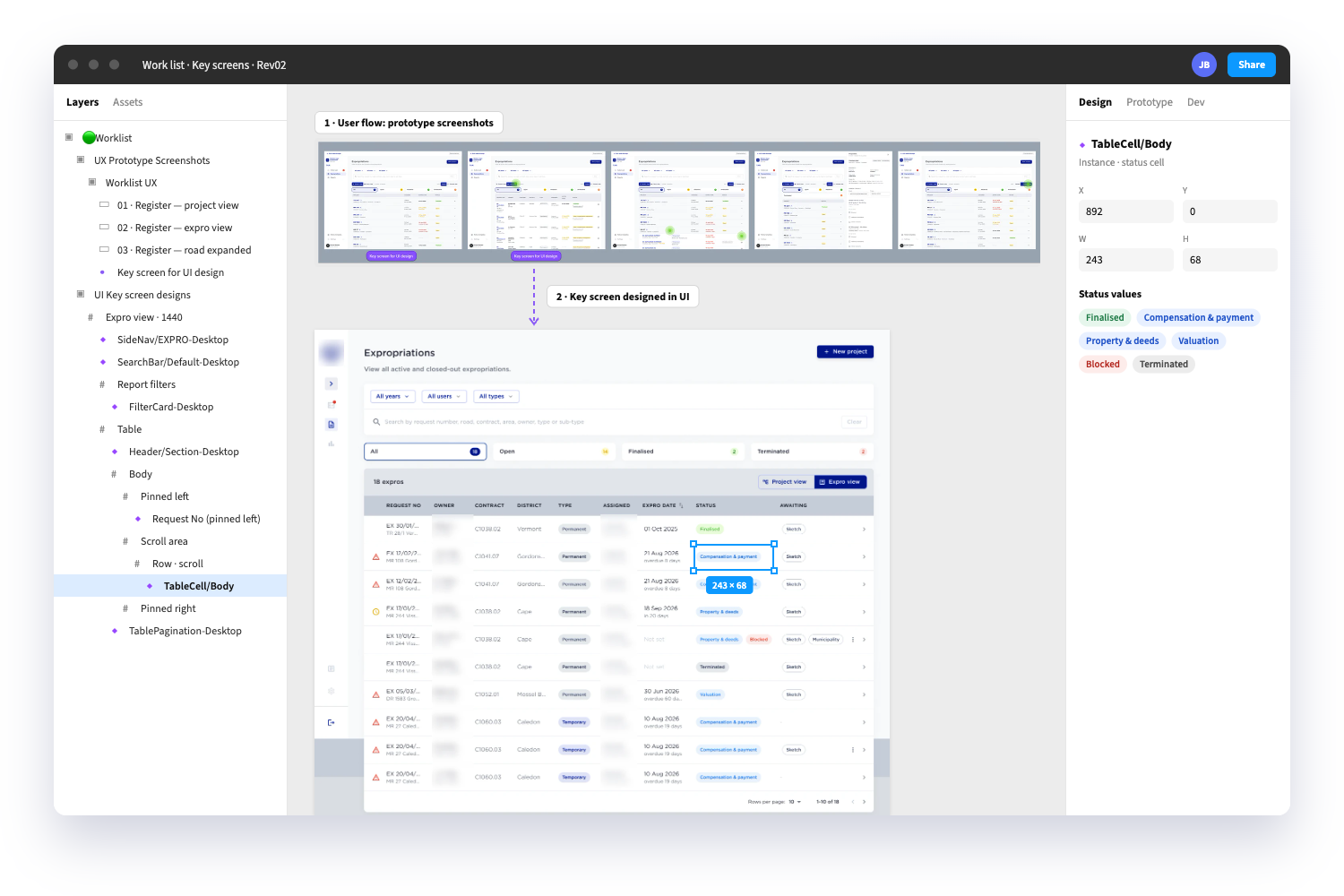
Once a direction is approved, I plot the interface from code into Figma for UI handover. Developers get a familiar, inspectable spec that matches what was actually reviewed, not an earlier idealised version.
Reviewing the live preview
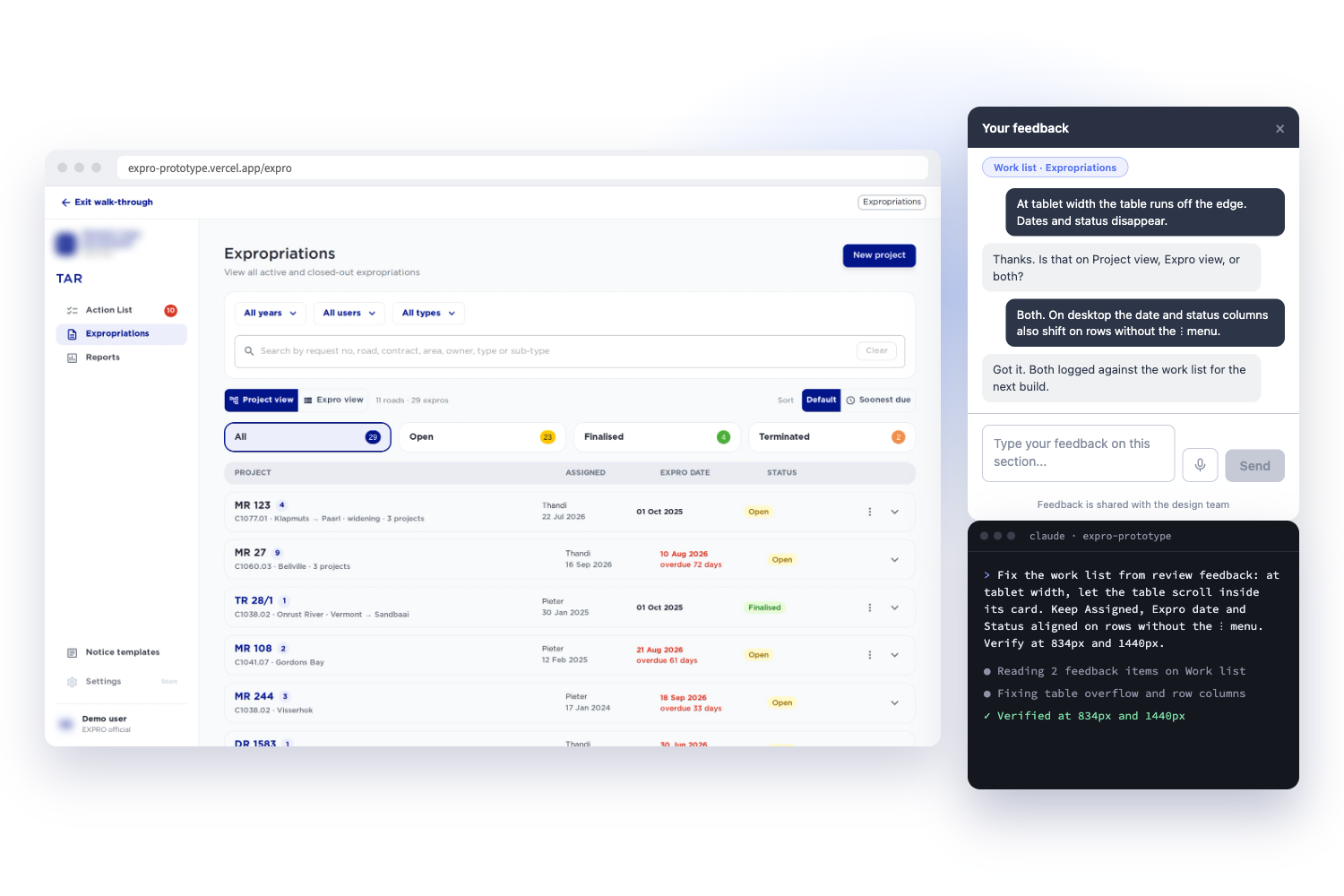
Every change deploys to a Vercel preview link. I review real, clickable software on real devices instead of static frames, and so do stakeholders. Feedback arrives on the thing itself, days earlier than it used to.
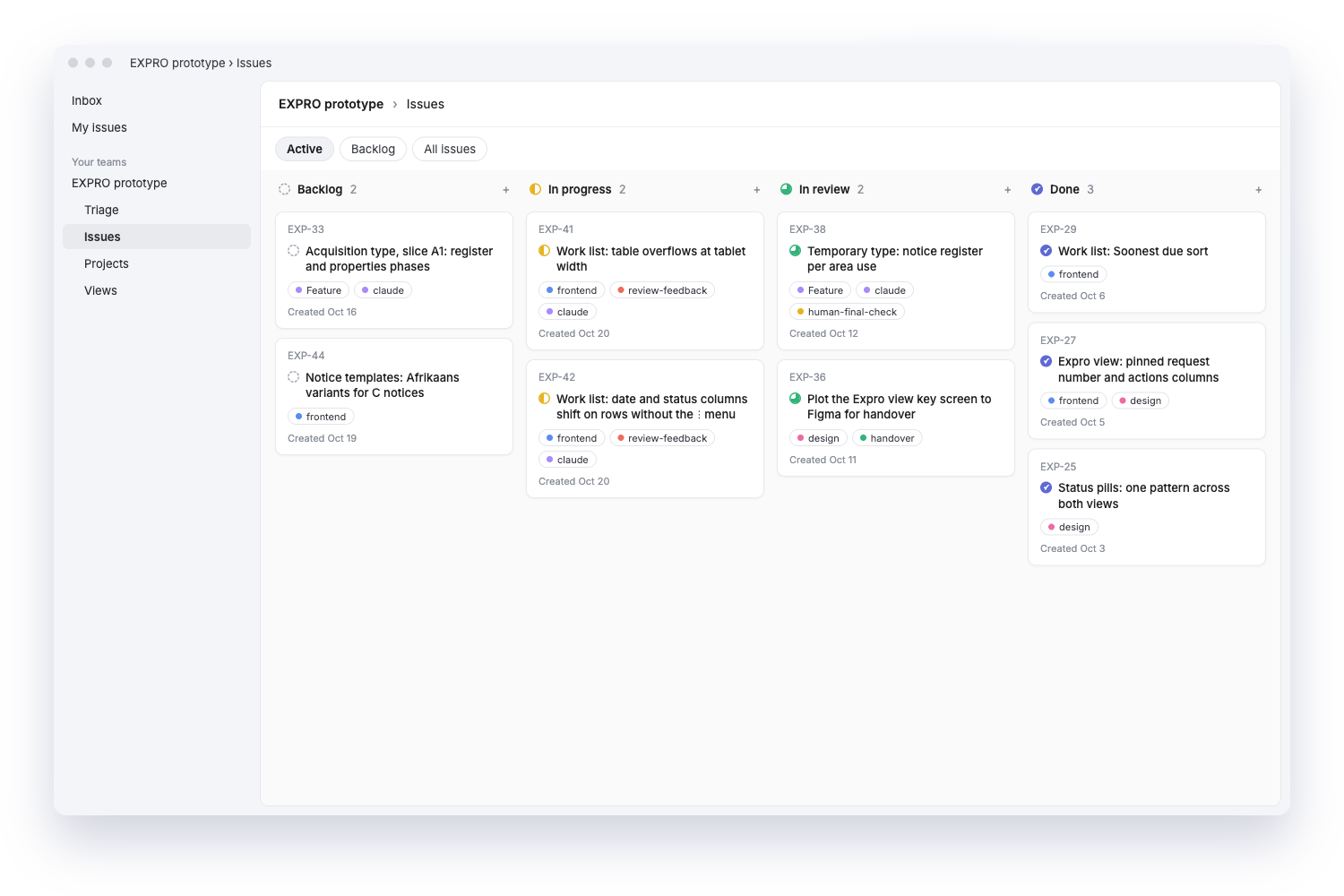
Tracking it in Linear
Linear holds the work: each design question becomes a ticket that moves from scoping to build to review, so nothing an AI produces goes unseen and every decision has a trail.
THE FOUR CHECKPOINTS IN DESIGN
The human gates
AI output is fluent, fast and convincing, which is exactly what makes it risky.
In human factors terms, the danger is automation bias: accepting a confident system's output because it looks right.
Intent before prompt. Nothing is generated until the problem, the users and what good looks like are defined. A vague prompt produces a polished answer to the wrong question.
Judgment on the live preview. Reviewing working software exposes what static mockups hide: awkward flows, missing states, real data breaking layouts. This is where plausible-but-wrong gets caught.
Deliberate handover. Plotting to Figma is a conscious act of approval. Only what has been reviewed becomes the spec developers build from.
Only a person closes the loop. AI can build and check, but a human accepts the work. Done means someone judged it, not that something compiled.
From legacy workflow to working prototype
SEE IT IN PRACTICE
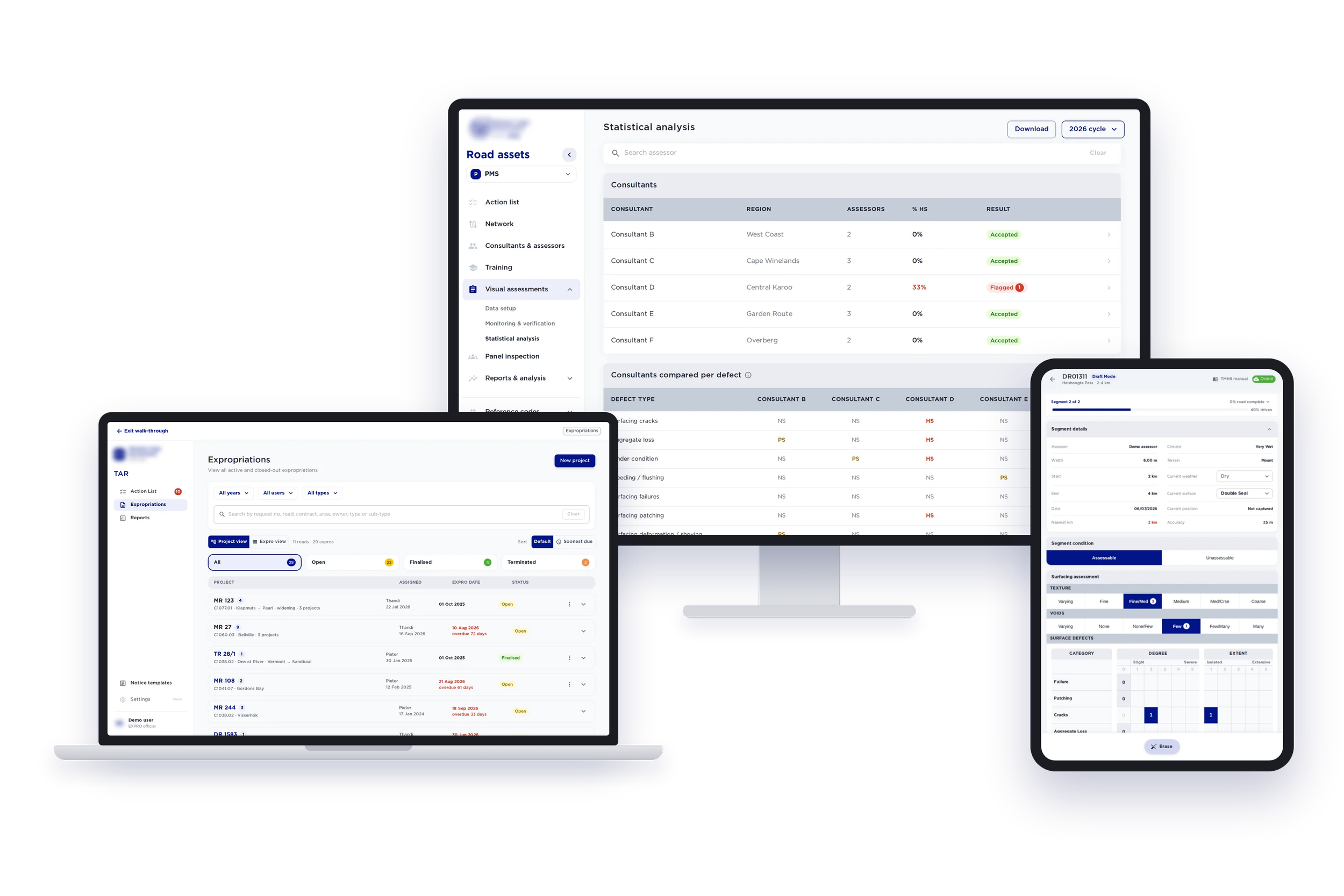
This workflow shaped two government management systems for roads and land. Rigid legacy processes full of workarounds were rebuilt as clear, guided task pipelines. Prototyping in code let officials and field teams review real flows early, and Figma handover gave the development partner an exact spec.
What changed
-
![]()
Faster
A first working flow in 1–2 days, rather than 2–3 weeks
Stakeholders reviewing real software from week 2 of design
3–5 refinements between reviews instead of one
Handover specs taken from the version stakeholders actually approved
-
![]()
Harder
Catching plausible-but-wrong output that looks finished
Keeping the design system consistent across generated code
Keeping code and Figma in sync after handover
Writing prompts precise enough to be worth reviewing
-
![]()
Still Human
Framing the problem and defining what good looks like
Judging trade-offs between users, clinicians, officials, the business
Signing off accessibility, edge cases and error states
Deciding what ships, and saying no